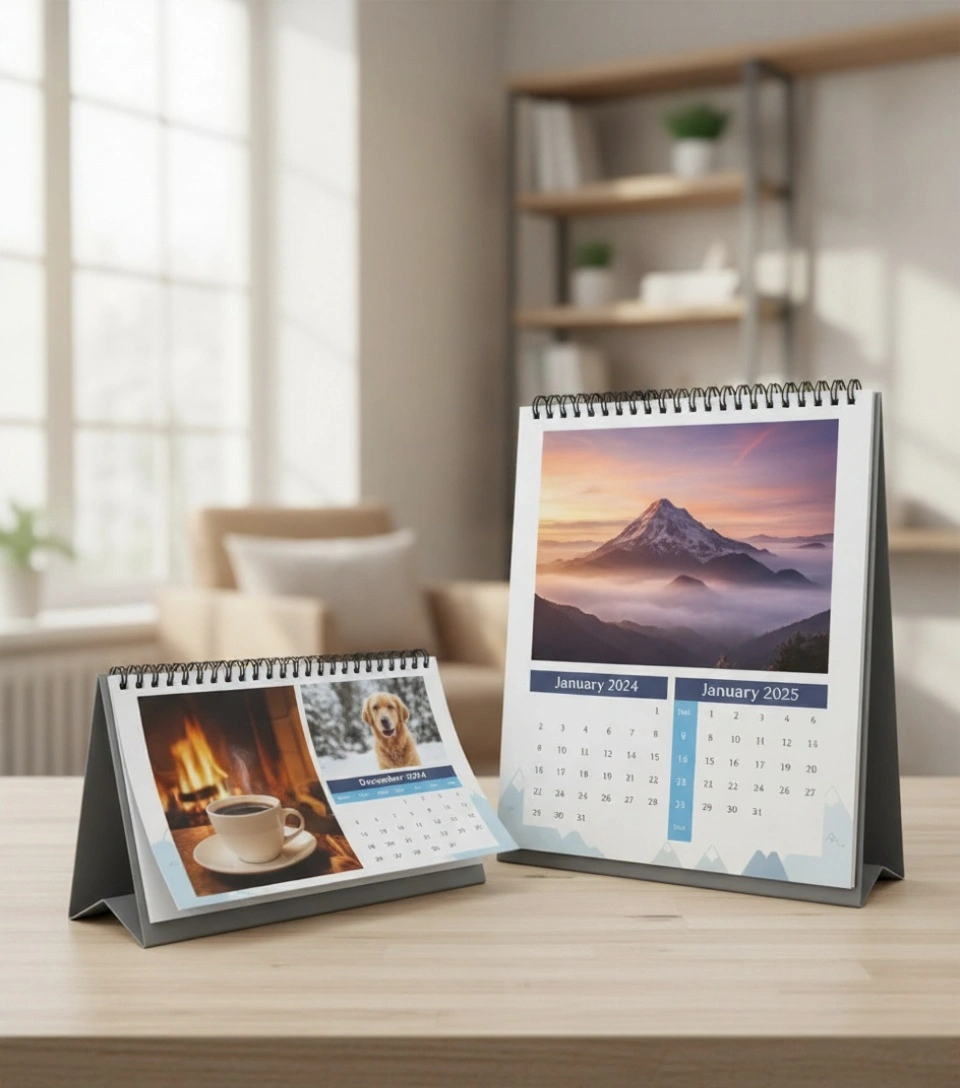
Keep your business front and center every single day with Calendars that showcase your brand all year long. Whether you’re thanking clients, organizing your workspace, or running a promotional giveaway, custom printed calendars make sure your name stays visible month after month. You can also pair them with Greeting Cards for seasonal branding or Notepads to create a complete office set that keeps your business top-of-mind.
Free Shipping
All orders include free shipping, with no minimum purchase required.
Secure Payment
Safe and secure online payments with multiple payment options.
Calendars – Practical, Professional & Personalized
Our custom Calendars are printed on premium glossy or matte paper that makes photos, designs, and logos look crisp and colorful. You can fully customize each month — add your events, company logo, promotional message, or personal images.
Choose between wall calendars, desk calendars, or compact versions depending on your use. Great for offices, retail stores, or as thoughtful year-end gifts that customers actually use.
Key Features & Benefits
Fully Customizable Layouts – Add images, logos, and events for each month
High-Quality CMYK Printing – Bright colors that bring designs to life
Multiple Calendar Types – Wall, desk, and folded formats available
Premium Paper Stocks – Gloss or matte options over 100lb
Flexible Layouts – Monthly, yearly, or quarterly formats
Fast Production – Ready in 3–5 business days
Nationwide Shipping – Available across the U.S.
For related branding materials, check out our Flyers and Posters that work perfectly with calendar promotions.
Product Specifications
Feature
Description
Material
100lb Gloss Text or Matte Cover Stock
Printing
Full-Color CMYK – Single or Double-sided
Binding Options
Saddle-stitched, Spiral, or Wire-O
Sizes Available
8.5″ x 11″ (Custom sizes available)
Layout Types
Monthly Grid, Year-at-a-glance, or Custom Layouts
Orientation
Portrait or Landscape
Quantities
50 to 5,000+
Turnaround Time
3–5 Business Days
Shipping
Standard & Rush Options Available
Best Uses for Custom Calendars
Calendars are one of the most effective long-term marketing tools. Here’s how businesses use them:
Corporate Gifting – Show appreciation to clients or partners
Retail Promotions – Include with purchases for year-round exposure
Event Marketing – Mark upcoming brand milestones or launches
Office Organization – Keep teams coordinated while reinforcing brand identity
Holiday Giveaways – A timeless promotional gift customers love to keep
Bulk printing is the most affordable option. Ordering in larger quantities reduces per-unit cost, and opting for standard sizes with saddle-stitch binding helps you save more.
How much does it cost to print 500 calendars?
Pricing depends on size, paper stock, and binding style. On average, printing 500 standard-sized calendars is cost-effective, especially with bulk discounts.
Where is the best place to make a personalized calendar?
A professional print service like ours ensures your Calendars are printed in full color, with top-quality paper and customizable layouts for both personal and business use.
Does Staples do custom calendars?
Yes, but online print providers like ours often offer better customization, bulk options, and flexible designs for business branding.
Do people still buy print calendars?
Absolutely. Printed calendars remain popular for offices, clients, and homes — they’re useful, visible, and double as promotional branding throughout the year.
Step 1
Ensure that the file meets the required dimensions for the product. Create the artwork in CMYK color mode at 300 dpi resolution, with a 1/16 inch bleed on all sides to prevent unwanted white edges after trimming.
Step 2
Embed all images within the file, and convert all text to outlines to avoid font issues during printing.
Step 3
Export the final design as a PDF with bleeds to ensure accurate printing results.