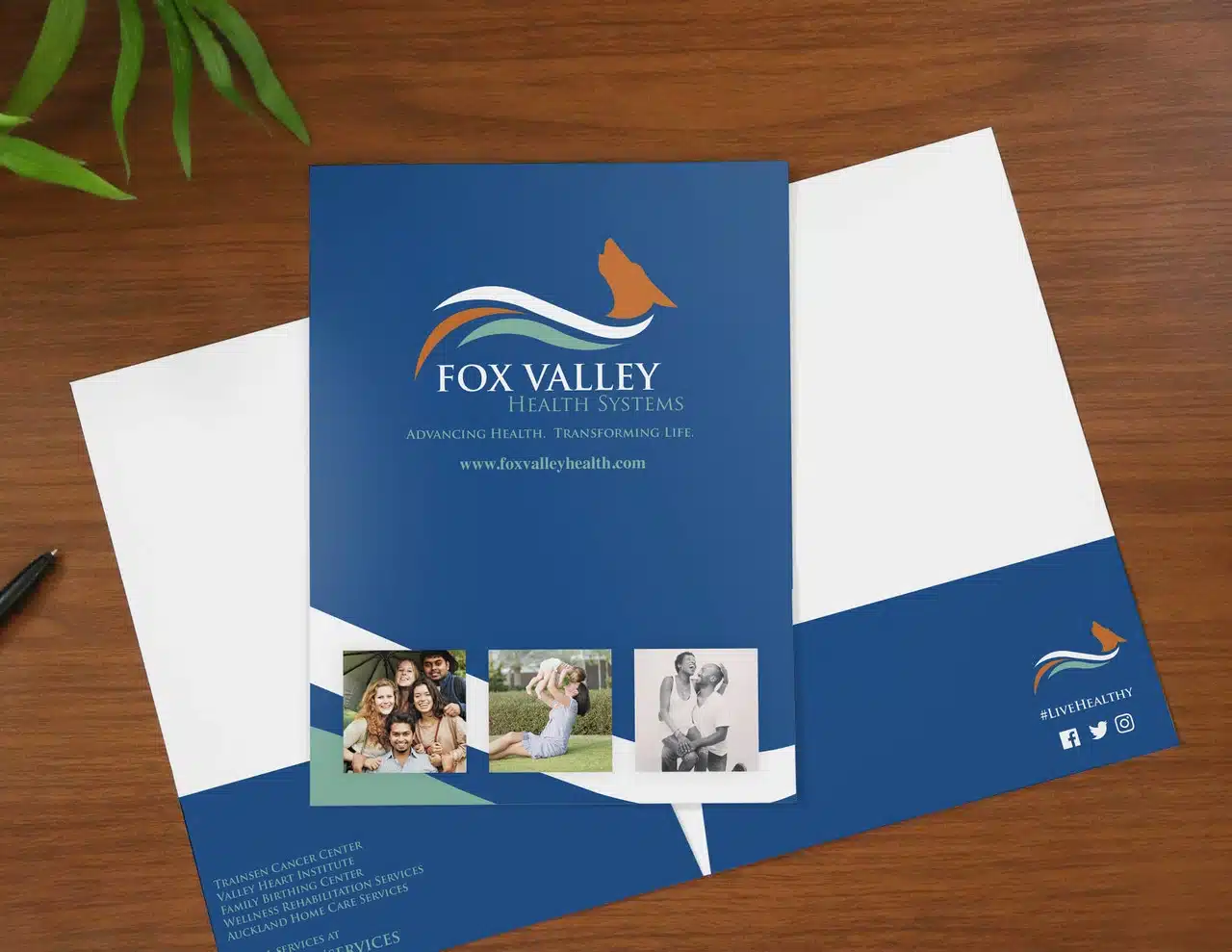
Make a lasting first impression with high-quality Presentation Folders that showcase your brand in a polished and professional way. Whether you’re handing out proposals, marketing materials, or corporate documents, custom printed folders keep everything organized and your branding front and center. Pair them with Business Cards or Brochures to create a complete, coordinated presentation package that reflects your company’s quality and attention to detail.
Free Shipping
All orders include free shipping, with no minimum purchase required.
Secure Payment
Safe and secure online payments with multiple payment options.
Custom Presentation Folders – Professional Look, Lasting Impact
Our custom presentation folders are printed on premium cardstock with vibrant CMYK colors, making your logo and design stand out every time. You can choose from single or double-pocket styles, business card slits, and glossy or matte finishes to suit your branding needs.
Ideal for trade shows, client meetings, school events, and professional handouts — these folders make your materials look organized, credible, and ready to impress.
Key Features & Benefits
Fully Customizable – Add your company logo, tagline, or design
High-Quality Printing – Full-color CMYK for crisp and vivid results
Durable Material – Sturdy 14pt or 16pt cardstock options
Multiple Styles – Single-pocket, double-pocket, or custom layouts
Finishes Available – Glossy, matte, or soft-touch lamination
Business Card Slits – Optional slots for cards or inserts
Fast Turnaround – 3–5 business days production
Nationwide Shipping – Delivered anywhere in the U.S.
Product Specifications
Feature
Description
Material
14pt or 16pt Premium Cardstock
Printing
Full Color CMYK – Single or Double-sided
Pocket Options
Single Pocket, Double Pocket, or Custom
Sizes Available
9″x12″ Standard or Custom Dimensions
Finishes
Glossy, Matte, or Soft-Touch Laminate
Card Slits
Business Card or Insert Slots
Quantities
25 to 10,000+
Turnaround Time
3–5 Business Days
Shipping
Standard & Rush Delivery Available
Best Uses for Custom Presentation Folders
Corporate Meetings – Present proposals or contracts in style
Trade Shows & Events – Organize your marketing materials professionally
Educational Institutions – Perfect for student or staff presentations
Client Handouts – Add polish to your business presentations
Brand Promotions – Showcase your logo on every folder
Frequently Asked Questions
Where can I get custom presentation folders for my business?
You can order high-quality, custom presentation folders directly from our online store. Choose your size, finish, and pocket options to match your business needs.
Where can I find presentation folders near me?
We ship presentation folders across the U.S, so no matter where you’re located, you can easily place your order online and receive them at your doorstep.
Which company offers presentation folders with pockets?
At eColorPrinting.com, we specialize in premium presentation folders with pockets that keep your materials organized and professional.
How can I order presentation folders with my logo printed on them?
Simply upload your logo or design during checkout. Our design team reviews every file to ensure high-quality printing and alignment before production.
What are the best presentation folders for professional use?
The best choice depends on your purpose — glossy folders for marketing handouts, matte finish for a sophisticated look, or soft-touch for a premium tactile feel. All are customizable with your branding.
Step 1
Ensure that the file meets the required dimensions for the product. Create the artwork in CMYK color mode at 300 dpi resolution, with a 1/16 inch bleed on all sides to prevent unwanted white edges after trimming.
Step 2
Embed all images within the file, and convert all text to outlines to avoid font issues during printing.
Step 3
Export the final design as a PDF with bleeds to ensure accurate printing results.